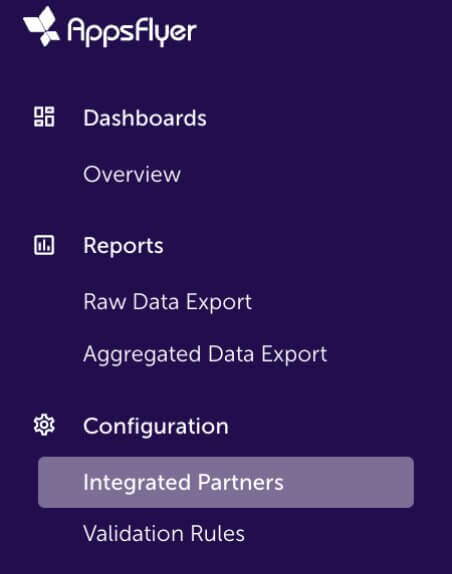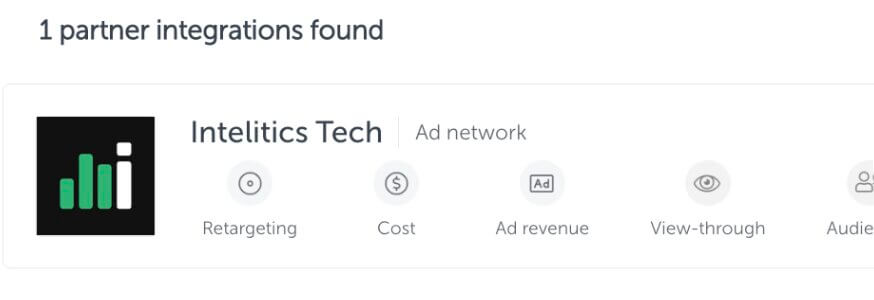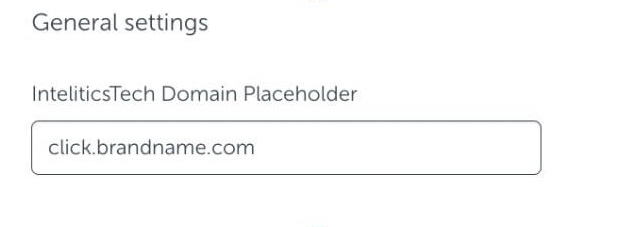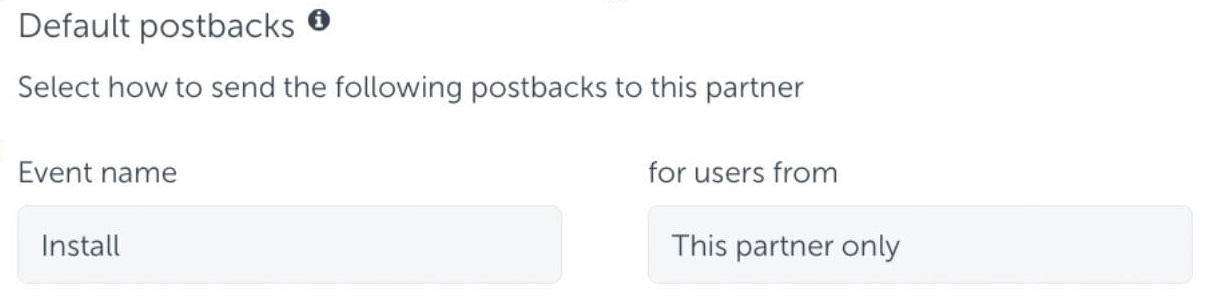
Navigate to Campaigns > Offers and inside of an offer click on the creatives tab, and then "+ Creative"
- Name - ie. Landing Page 01, Home Page, Promo Banner 01
- Language - Specify the creative/destination link language
- Destination Link - Creative-Level destination link users will be sent to (ie: Landing Page, Home Page, etc.)
Click here to see what values are supported in destination links. - Append to Destination Link - Used to set (or override) dynamic link structure on the creative level
- Image - Upload image if used
- Visible - Checking this box will allow partners to see this as an available creative, leaving unchecked will hide from partners.
To learn how Destination Link Hierarchy can affect a creative please click here.