
Configure Postbacks
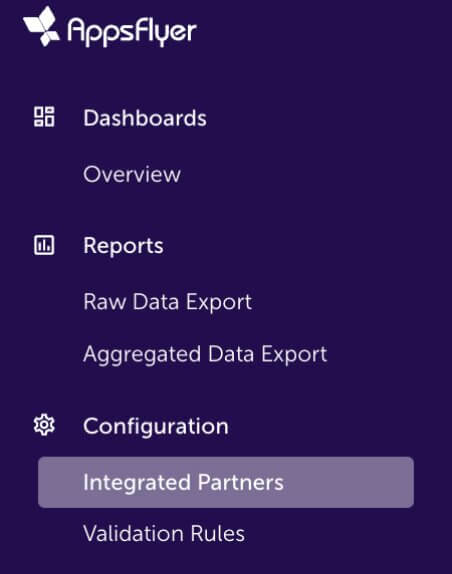
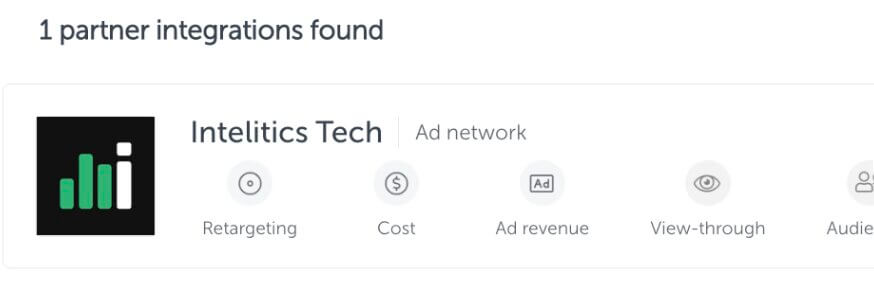
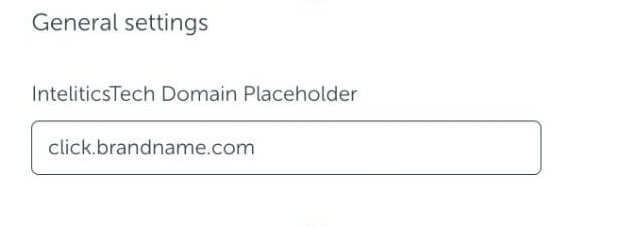
- On the "Integration" tab, set the "InteliticsTech Domain Placeholder" for both "General Settings and "In-app Event Settings"
- This is the domain set up for tracking links in Intelitics Instance, containing Second-Level Domain, Top-Level Domain, and Subdomain
Eg: https://click.brandname.com/track/9bdadbfe-715f-4040-905d-364928eb6548?type=display
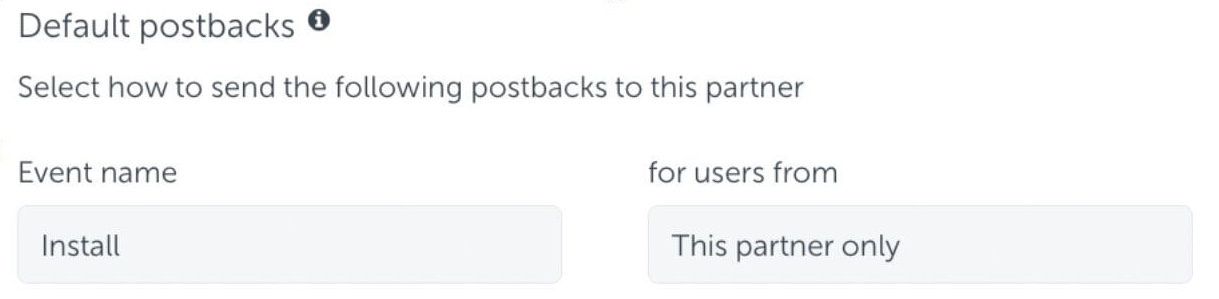
- The name of "Appsflyer event" for registration and deposit could be different depending on your integration with appsflyer, these are the names of the events you are passing into Appsflyer
- Names of "Mapped to partner event" must configured as "registration" and "deposit"
- Deposit event should include "Values and Revenue" whenever possible
Eg.

Grant Intelitics Permissions
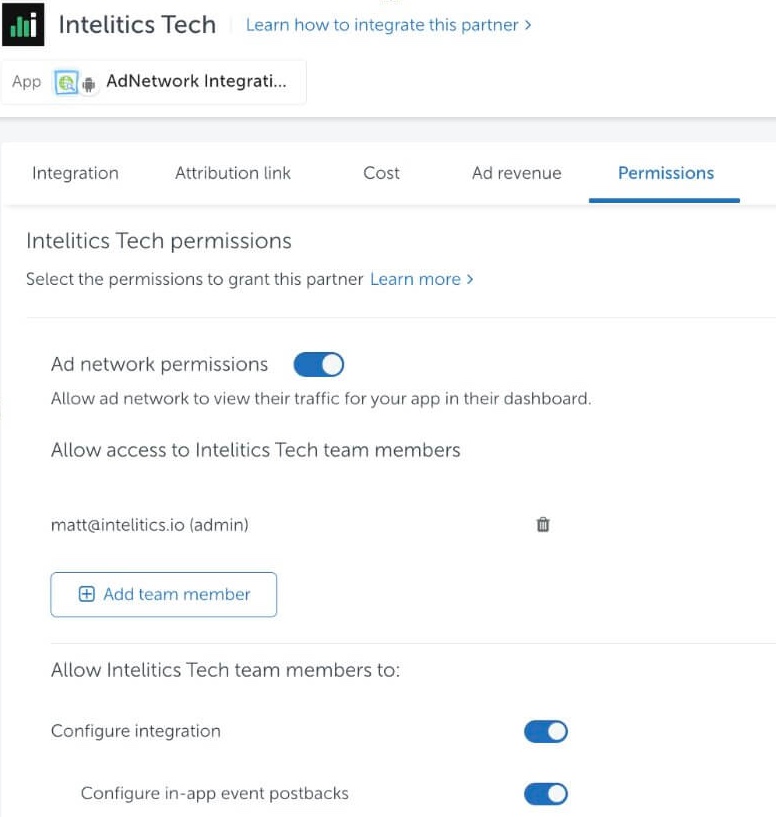
- Set "Ad network permissions" to "On"
- Must allow "configure integration" and "configure in-app event postbacks" as well.
- Once complete, contact your support at Intelitics to verify the setup.