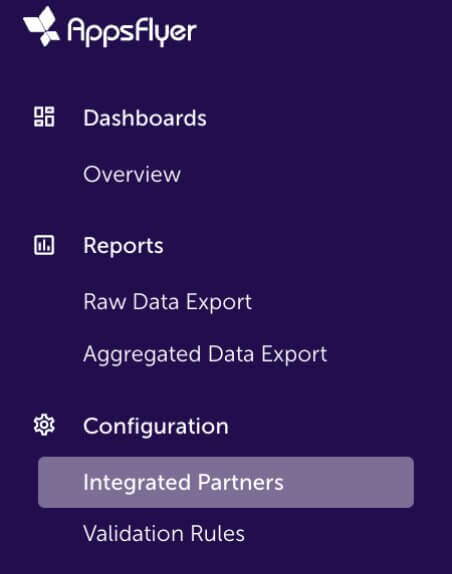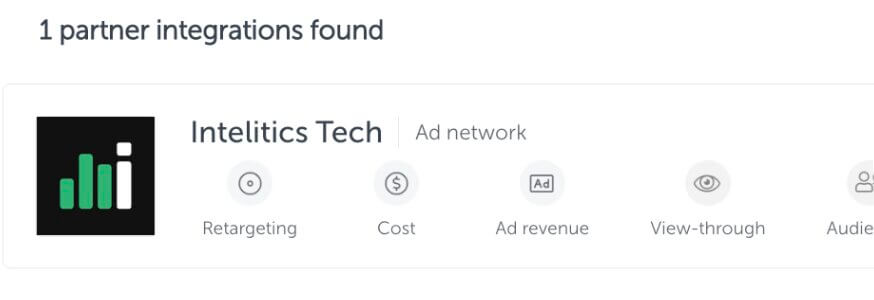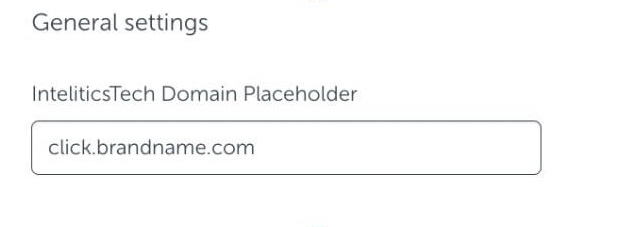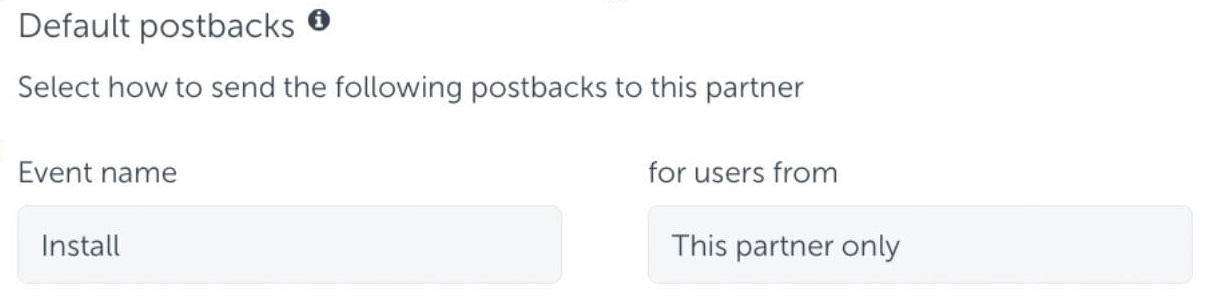
Once an offer is correctly set up and a partner agreement is added, a partner’s tracking link can be created. This can either be pulled by the admin/account manager, or in the partners login.
- When viewing an offer click the “creatives tab”
- Find the creative desired and click the link button

- If using an admin view, select the partner
- Select the “Marketing Type” - this is the type of traffic that will be driving user acquisition to the given offer. Multiple tracking links can be created with various marketing types using a single tracking ID
- Click Generate link, add on any optional parameters listed below.
Recommended Tracking Link SubID Structure
We recommend the following structure for a partners tracking links:
SubIDs:
- s1= Highest level of campaign hierarchy / (eg. partner/accountID)
- s2= 2nd level (eg. Campaign)
- s3= 3rd level (eg. Ad Set)
- s4= Most granular level of campaign hierarchy (eg. Ad ID)
- s5= unique click ID required for S2S postback