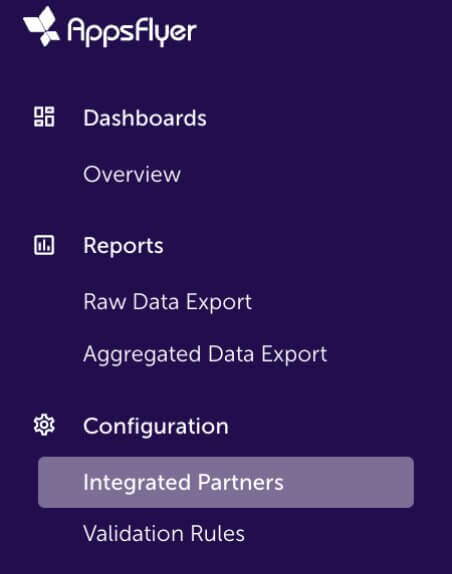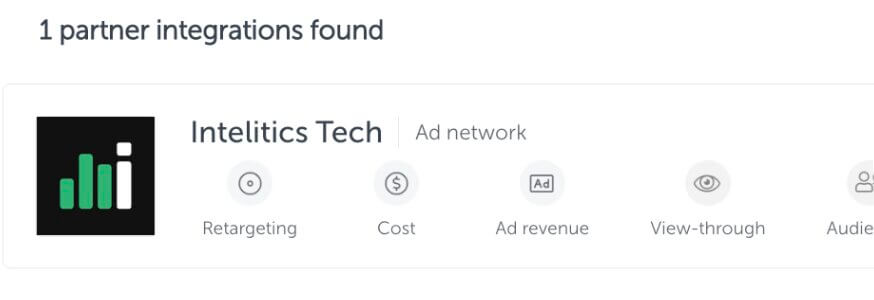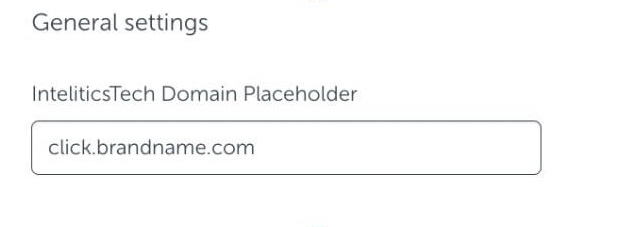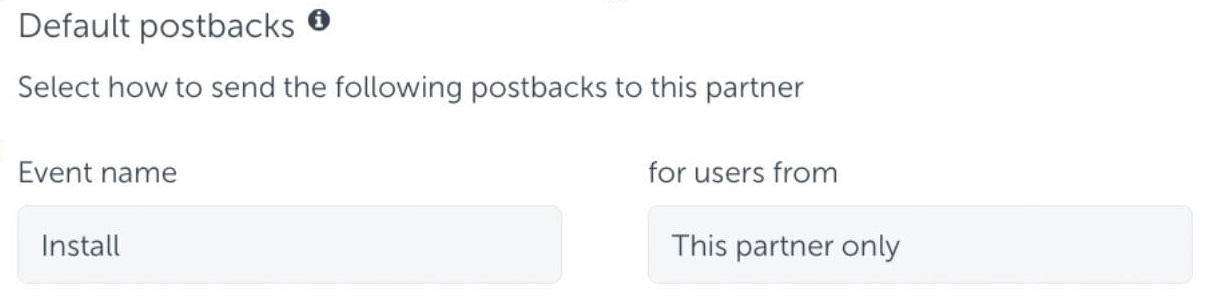
Navigate to Campaigns > Pools, select the Account Pool. > then click "+ account"
- Search for Partner - Select the partner you wish to associate with the account.
- User name - User name (or ID) of account you have on Advertisers platform. This text is used to keep track of your accounts on the Advertisers end.
(i.e YourAccountname1)
A partner can only be added to a specific user name once within the Advertiser Account Pool. You may add a partner multiple times to the same account on your Advertisers platform by slightly modifying the user name when creating the account within an Account Pool.
(i.e YourAccountname1-name)
(i.e varx: 1234567)
See how to utilize Accounts Pools in variables here.